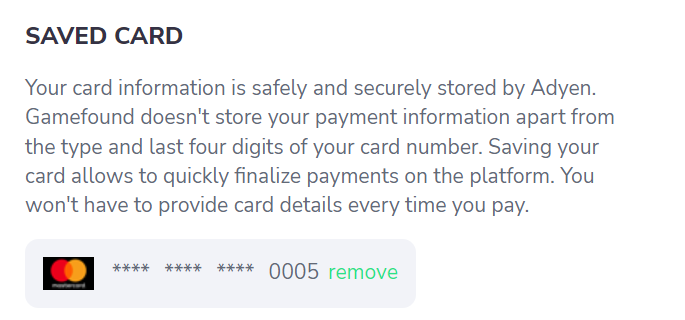
To remove your card details from your account, go to "My account" and click "remove" next to your saved card.
You'll see a confirmation popup.
If you'd like to change the payment method for your account, you'll need to wait for the next time you make a pledge to a project. When you enter your payment method there, you'll just need to click the "save the card" button.
NOTE: Your card information is safely and securely stored by Adyen. Gamefound doesn't store your payment information apart from the type and last four digits of your card number.
Was this article helpful?
That’s Great!
Thank you for your feedback
Sorry! We couldn't be helpful
Thank you for your feedback
Feedback sent
We appreciate your effort and will try to fix the article